> For the complete documentation index, see [llms.txt](https://devs.truebit.io/llms.txt). Markdown versions of documentation pages are available by appending `.md` to page URLs; this page is available as [Markdown](https://devs.truebit.io/verifying-truebit-tasks/node-status.md).
# Node Status
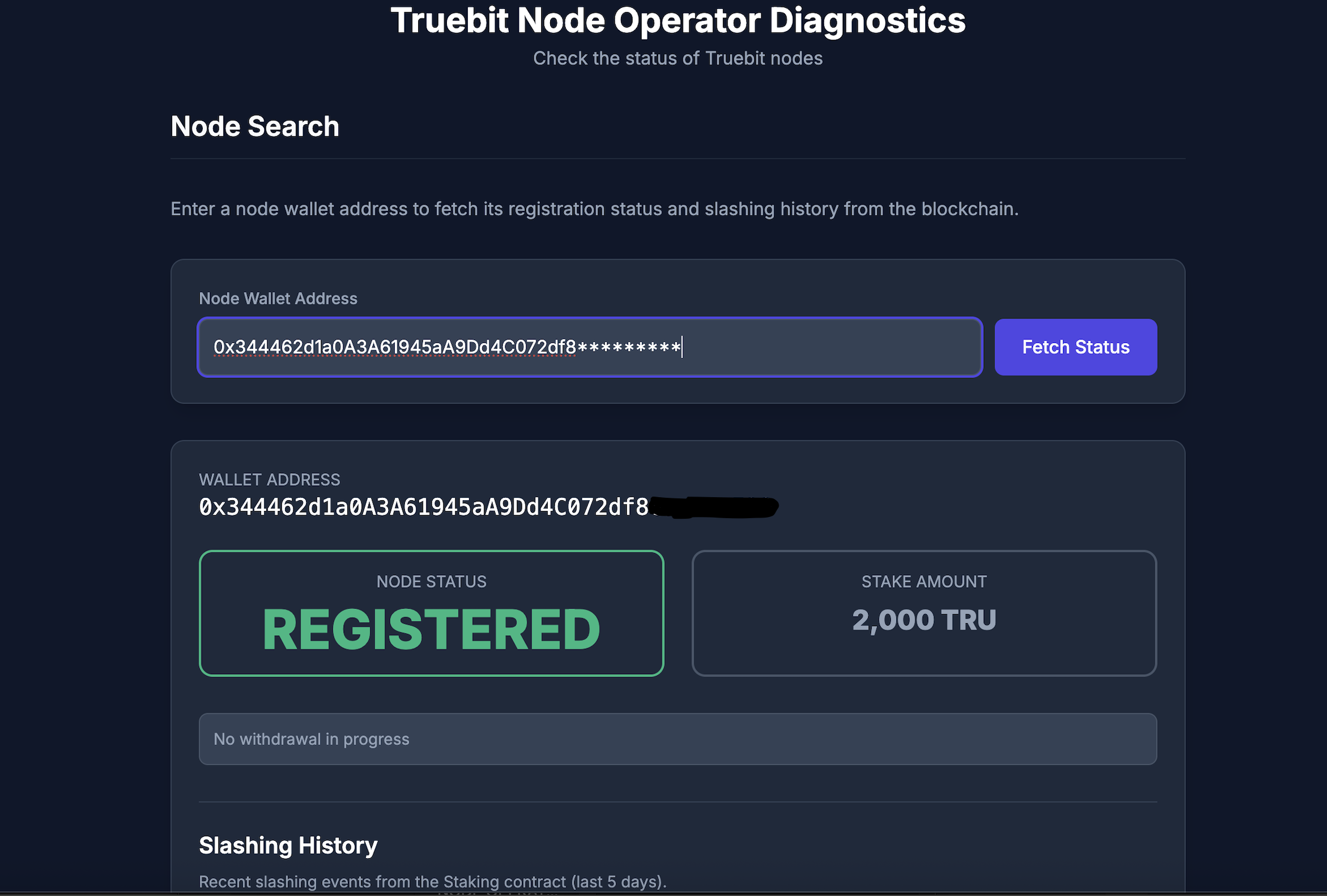
Use the public dashboard to check whether a node is registered and whether it was recently slashed by following these three simple steps:
1. Visit:
2. Enter the node wallet address.
3. Click "**Fetch Status"**.
The page will show the node status details:
If the node is not registered, you’ll see a **“not registered”** result:
{% hint style="info" %}
The dashboard keeps the **last 5 days** **of data.**
{% endhint %}